16×20 vs 18×24Framed Print vs Poster Size
Both are statement sizes, but 18×24 is 35% bigger and uses a taller 3:4 poster ratio versus 16×20's 4:5 — so one file won't fill both without white bars or a crop.
Quick Answer
What is the difference between 16×20 and 18×24 print size?
Pixel Dimensions for 16×20 and 18×24 at 300 DPI
Exact pixel dimensions print shops and home printers need for sharp output. Always export at 300 DPI so a large print stays crisp once it is on the wall.
| Size | Pixels (300 DPI) | Ratio | Area | SnapToSize |
|---|---|---|---|---|
| 16×20 (portrait) | 4800×6000 px | 4:5 | 320 sq in | 4:5 Pack |
| 16×20 (landscape) | 6000×4800 px | 5:4 | 320 sq in | 4:5 Pack |
| 18×24 (portrait) | 5400×7200 px | 3:4 | 432 sq in | 3:4 Pack |
| 18×24 (landscape) | 7200×5400 px | 4:3 | 432 sq in | 3:4 Pack |
How Much Bigger Is 18×24 Than 16×20?
An 18×24 print covers 432 square inches, while a 16×20 covers 320 square inches — 35% more surface area. Both are large, so the size jump is less dramatic than the gap from a mid-size, but 18×24 still reads as the bigger, bolder piece, especially because it is taller in proportion.
The proportion is the real story here. 18×24 stretches taller relative to its width, which is exactly why posters use it — it gives type, figures, and graphic layouts room to breathe vertically. 16×20 is squarer and sits more naturally among framed photos and art prints.
Why One File Won't Fill Both Sizes
16×20 and 18×24 are both large, but their aspect ratios are different enough to be obvious — and that forces separate exports:
Scale a 16×20 design to fill an 18×24 and the top and bottom either show white bars or the image stretches taller and distorts. With a 0.05 ratio gap, that distortion is easy to spot. Keep each size at its own ratio — and when you specifically need 18×24 from artwork built at 4:5, a Perfect Fit crop reframes it to 3:4 without stretching, with you choosing what stays in frame.
The clean approach: export 4800×6000 px for 16×20 and 5400×7200 px for 18×24. SnapToSize generates both from a single upload — no Photoshop, no manual resizing, no guessing which edge to crop.
One upload becomes both sizes
Drop in your art once. Get 16×20 and 18×24 back, your whole image kept, each file named and 300 DPI — plus every other Etsy ratio in the same export.
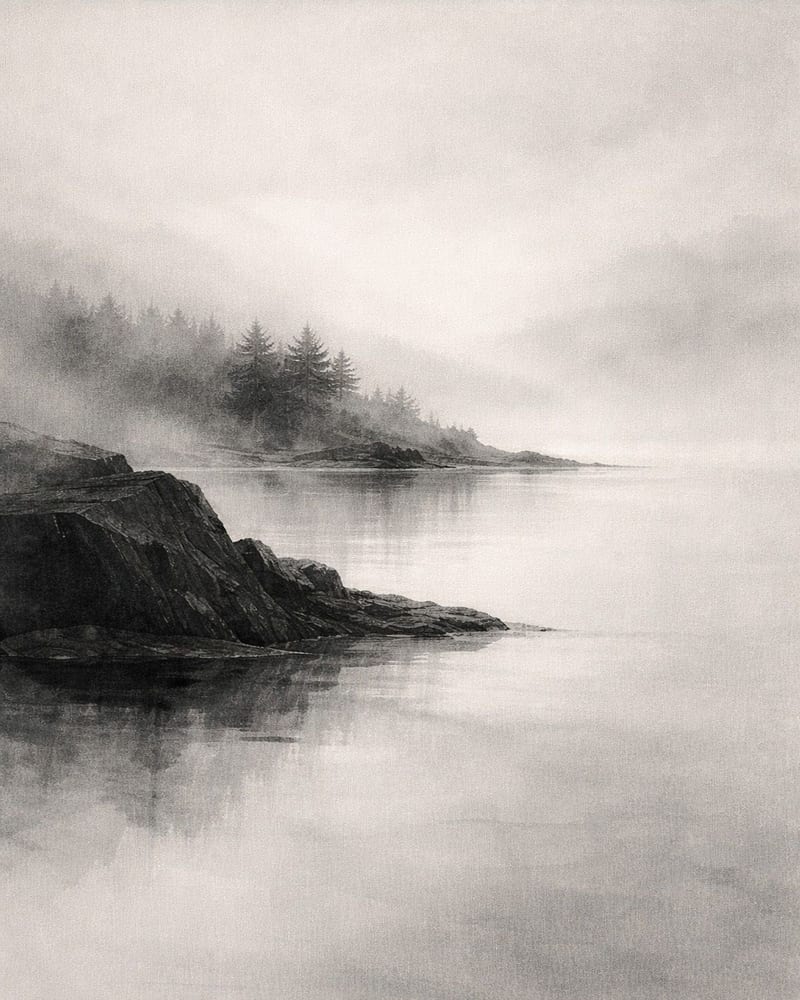
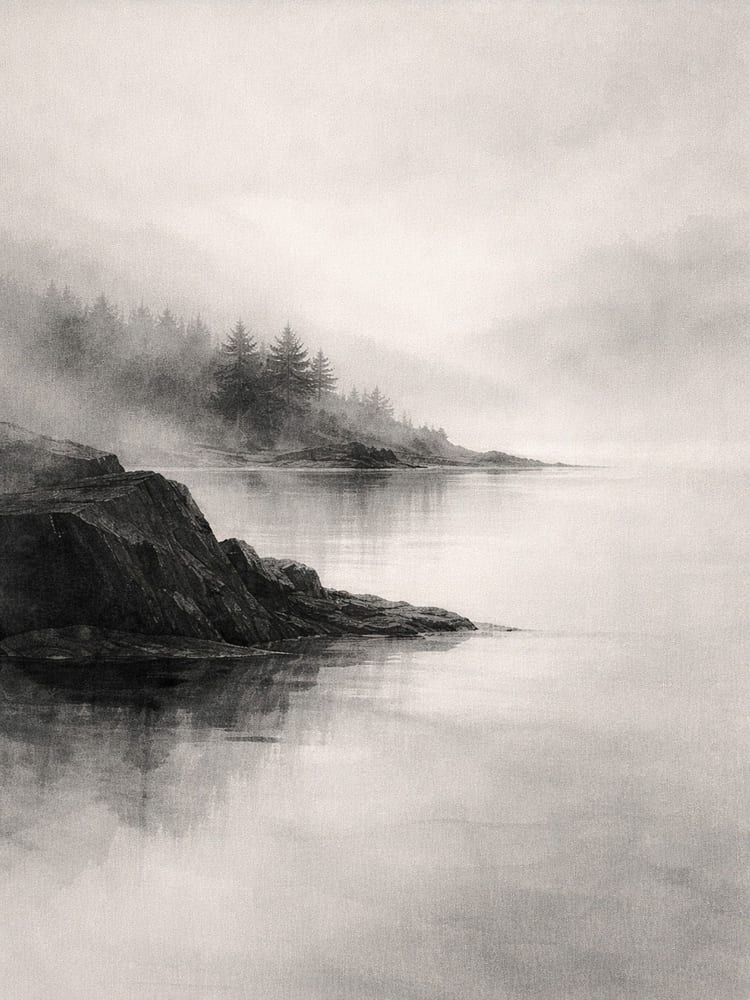
Every standard Etsy ratio — 2:3, 3:4, 4:5, ISO A, plus extras — up to 70 print-ready files from one upload, each ZIP under Etsy's 20 MB limit.
Want one exact ratio instead? Perfect Fit reframes with a focal crop you control — your proportions stay exact, and you decide what stays in frame. See how it works →
Offering 16×20 and 18×24 means two canvases, two exports, and re-checking that neither one cropped the edges or came out soft.
Upload once. SnapToSize generates both sizes at the correct pixel dimensions and 300 DPI, named and under Etsy's 20 MB limit.
Export Both Sizes FreeNo account needed · No credit card required
Can You Put a 16×20 Print in an 18×24 Frame?
Yes — with a mat. An 18×24 frame with a 16×20 mat opening closes the gap and frames the print with a clean border, which is a common way to give a 16×20 a larger, gallery-style footprint. Without a mat, a 16×20 print shifts around inside an 18×24 frame, so always include the matching mat.
The reverse does not work: an 18×24 print is too large for a 16×20 frame and would have to be cropped down, which defeats the point of a ready-to-print file. If you sell either size, naming the right frame-and-mat pairing in your listing saves buyers a search and heads off mismatched-frame refunds.
For framing details across common sizes, see the print size for frame guide.
When to Offer Each Size on Etsy
16×20 is the dependable large framed size. It fits the most common large photo frames, suits photography and art prints, and is the size buyers reach for when they want a framed focal piece without going poster-scale.
18×24 is the poster size. Its taller 3:4 proportion is made for typography, movie-style prints, bold graphic art, and anything that wants vertical drama. Buyers shopping for a poster expect 18×24 by name.
Offer both and you cover both shoppers — the one framing a 16×20 art print and the one hanging an 18×24 poster — from a single upload, with no extra design work.
Frequently Asked Questions
Yes. An 18×24 print covers 432 square inches versus 320 square inches for a 16×20 — that is 35% more surface area. Both are large statement sizes, but 18×24 is the classic poster format, noticeably taller and grander on the wall, while 16×20 fits the most common large photo frames.
16×20 is a 4:5 ratio (0.800). 18×24 is a 3:4 ratio (0.750). That 0.05 gap is bigger than it looks: 18×24 is visibly taller and narrower in proportion, which is why it reads as a poster while 16×20 reads as a framed print. The two are not interchangeable.
At 300 DPI, 16×20 needs 4800×6000 pixels (portrait) or 6000×4800 (landscape). 18×24 needs 5400×7200 pixels (portrait) or 7200×5400 (landscape). At these large sizes, 300 DPI keeps the print sharp; dropping below it shows softness the moment the piece is hung.
Yes — with a mat. An 18×24 frame with a 16×20 mat opening bridges the gap and gives the print a bordered, gallery look. Without a mat, a 16×20 print floats loosely inside an 18×24 frame, so pair it with the matching mat. A 16×20 frame cannot hold an 18×24 print — it is too large and would have to be cropped.
Not cleanly. The ratios differ (4:5 vs 3:4), so a straight scale leaves white bars and stretching distorts the artwork — and the gap here is wide enough to be obvious. Export each at its own ratio, or use a controlled, distortion-free crop to 3:4 when you specifically want the 18×24 from 16×20-ratio art.
16×20 is the dependable large framed-art size; 18×24 wins for posters, typography, movie-style prints, and bold graphic art that benefits from a taller format. They suit different products, so many top listings offer both. SnapToSize generates 16×20 in the 4:5 pack and 18×24 in the 3:4 pack from one upload.
Selling printables in these sizes?
Knowing the dimensions is the easy part — delivering every frame-ready file is the work. SnapToSize turns one artwork into every standard print size at 300 DPI in a single export.
Export 16×20 and 18×24 in Seconds
Upload your design once. SnapToSize generates both sizes at the correct pixel dimensions and 300 DPI, named and under Etsy's 20 MB limit.
Export Both Sizes Free