Etsy Mockup Generator
Room-scene mockups from one upload, ready in seconds and matched to your artwork's own ratio instead of a fixed template frame. Free to start.
- Ratio-matched, not template-cropped
- You own every file you export
- First pack free, full 10 rooms
Quick Answer
What's the best Etsy mockup generator?
Why Template Mockups Stretch or Crop Your Art
A template-based generator's frame is a fixed aspect ratio. Drop a 2:3 print into a 4:5 frame opening and the smart object either stretches the art to fill the gap or crops the edges to force the fit — the same ratio mismatch that ruins a print, just showing up in a listing photo instead.
SnapToSize renders the room scene at your artwork's own ratio, so the whole piece stays in frame — no stretching, no forced crop. Want one exact ratio instead and to choose what stays in frame? Reframe the art on purpose rather than have a template do it by accident.
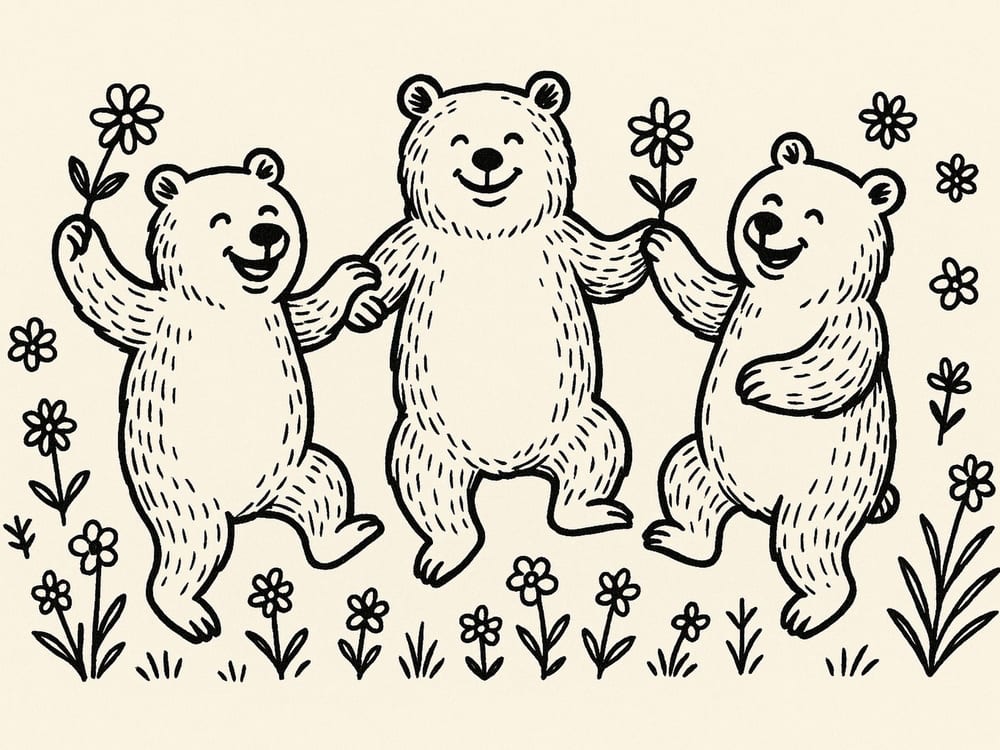
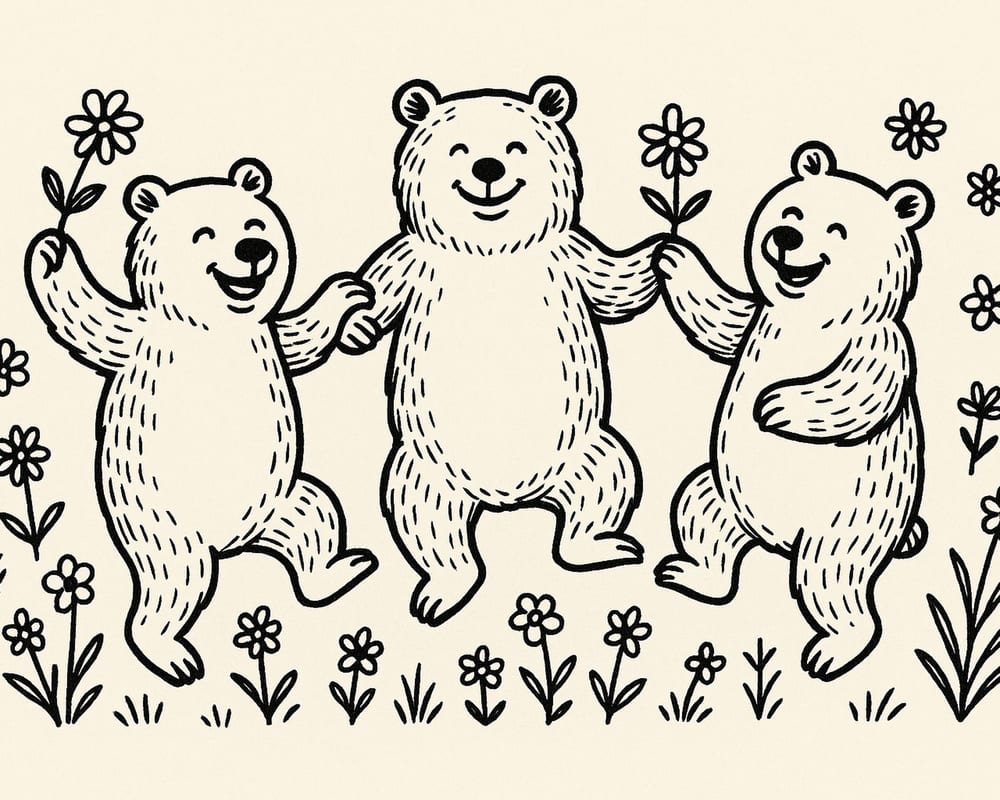
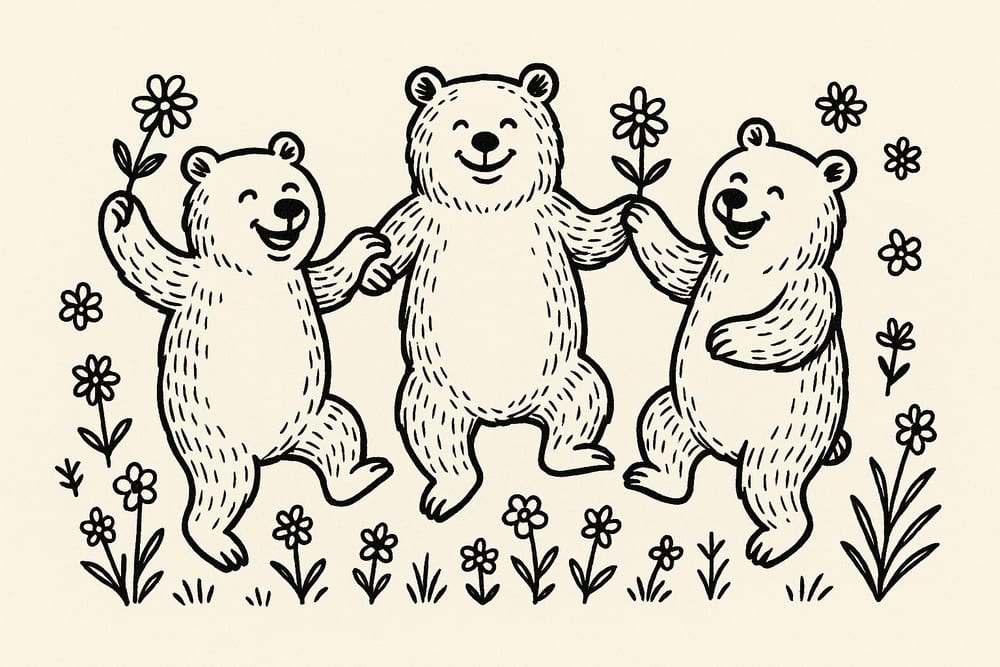
Same artwork, matched to two different frame ratios — nothing stretched, nothing cropped by accident.
Stop matching frame ratios by hand.
Upload once — SnapToSize matches the mockup to your art's own ratio automatically.
Generate My Mockups FreeNo account needed · No credit card required
One Upload. Ten Real Rooms. In Seconds.
No smart objects, no catalogue to search through. Upload once and SnapToSize stages the same artwork into room scenes automatically — the full 10 on your first pack and on Pro or Max, 3 on ongoing Free packs.
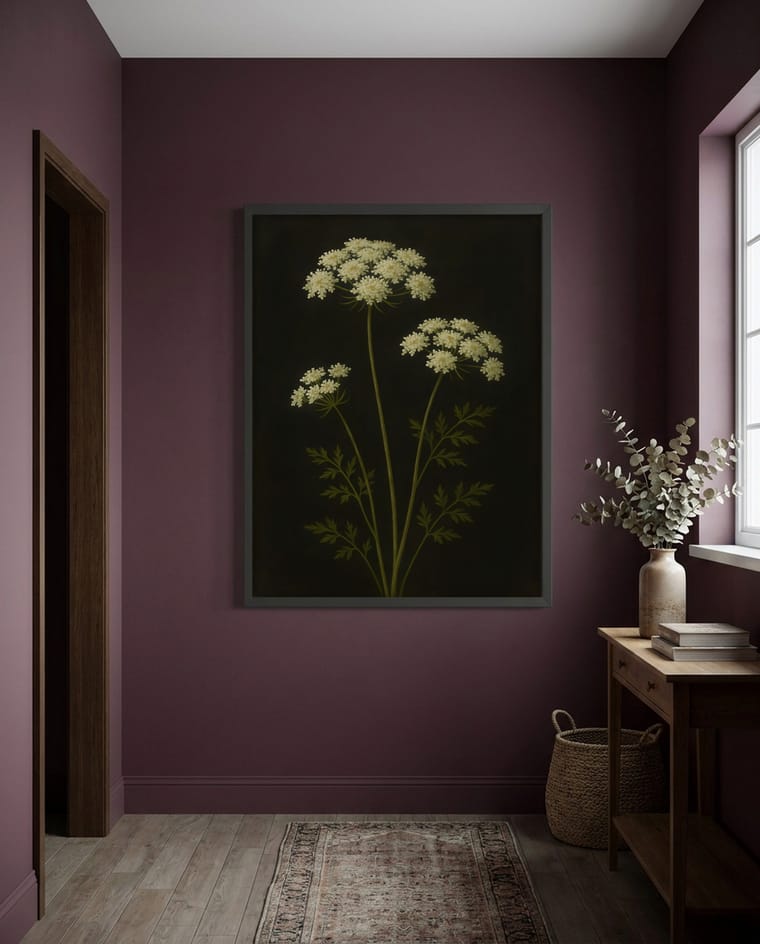
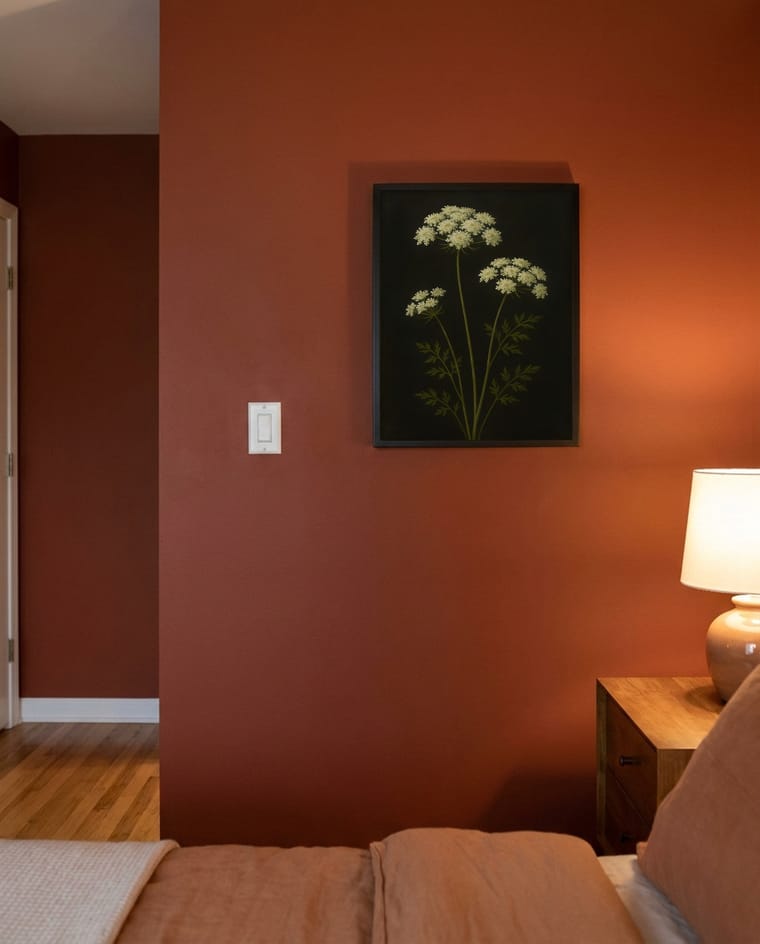
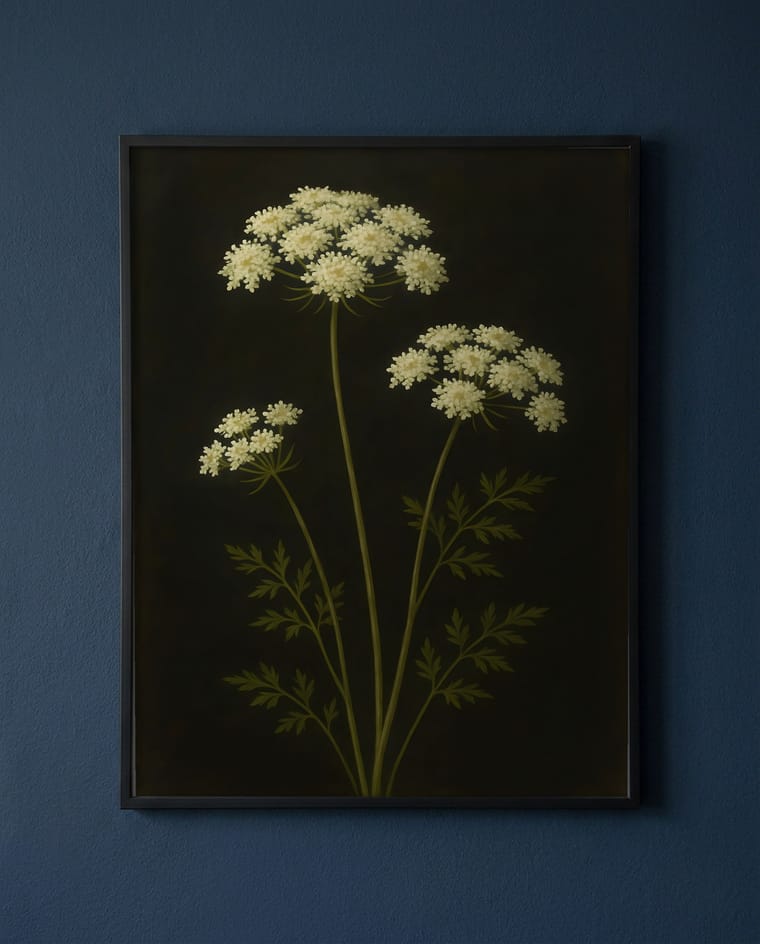
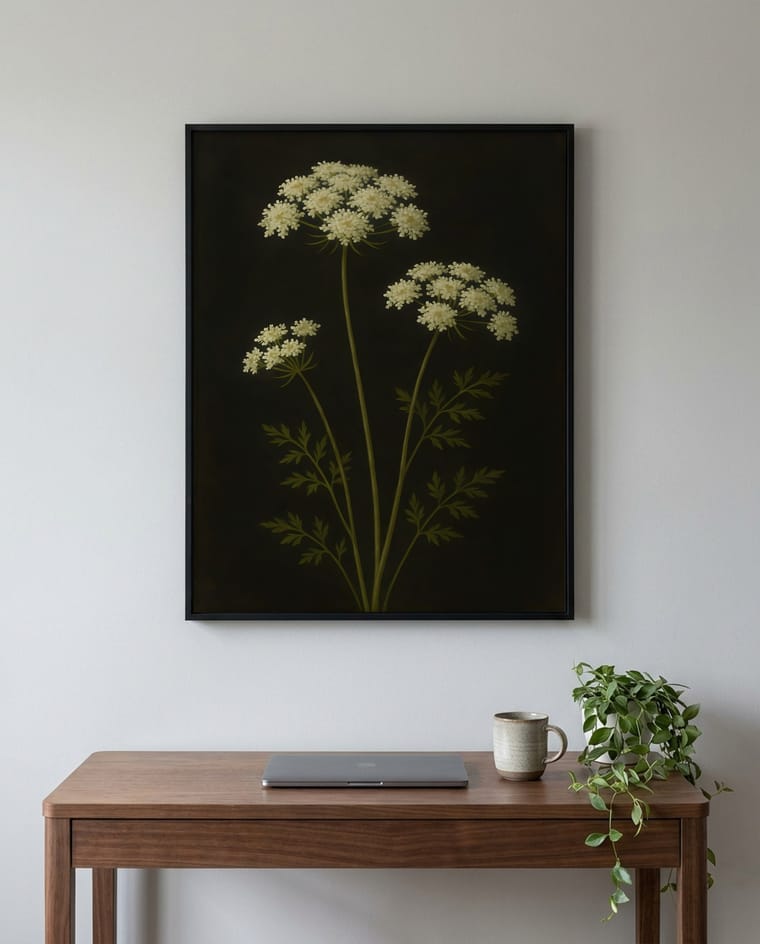
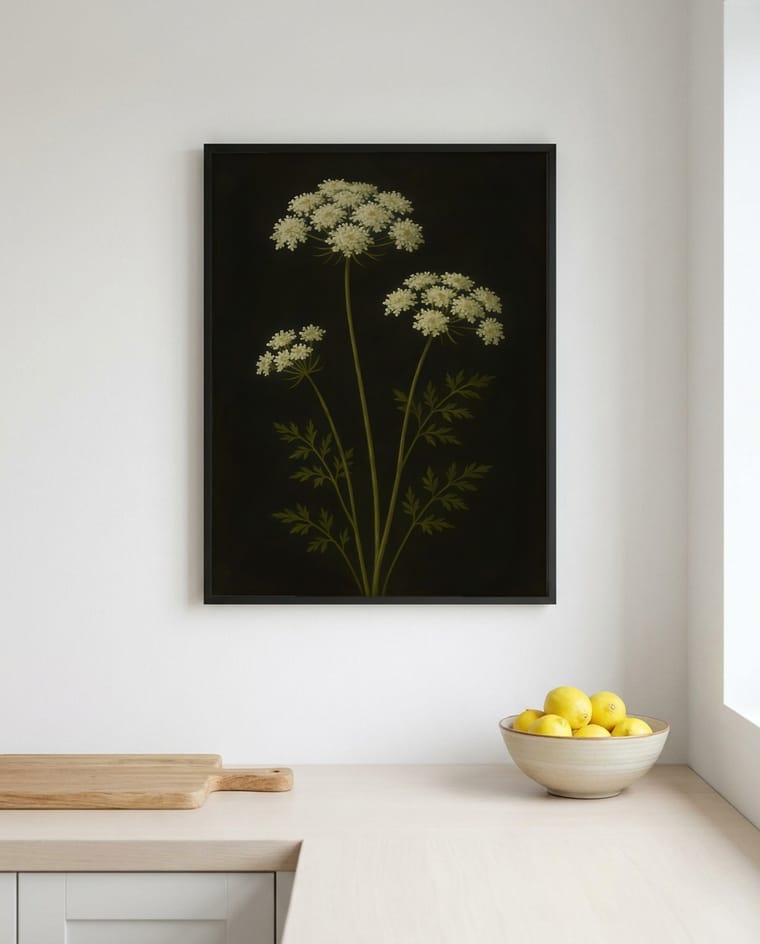
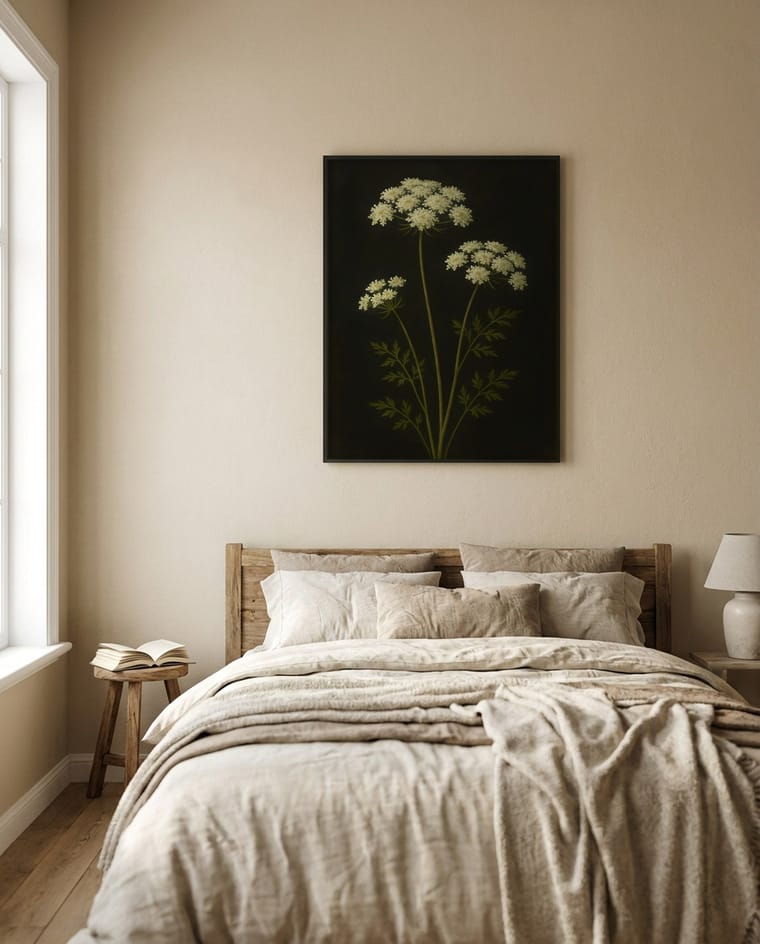
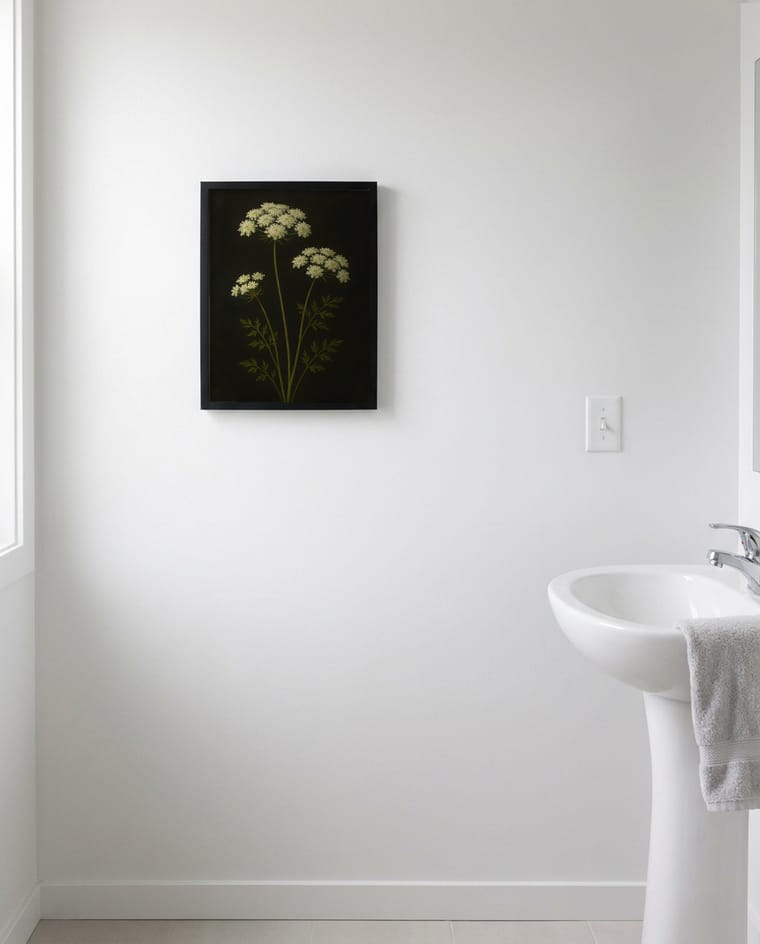
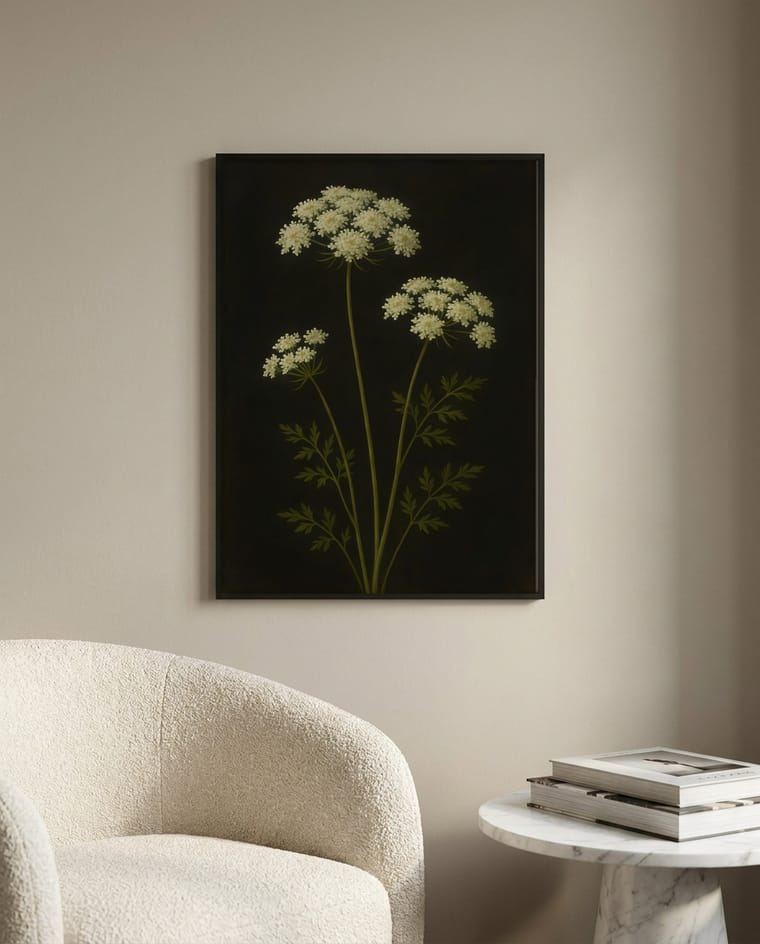
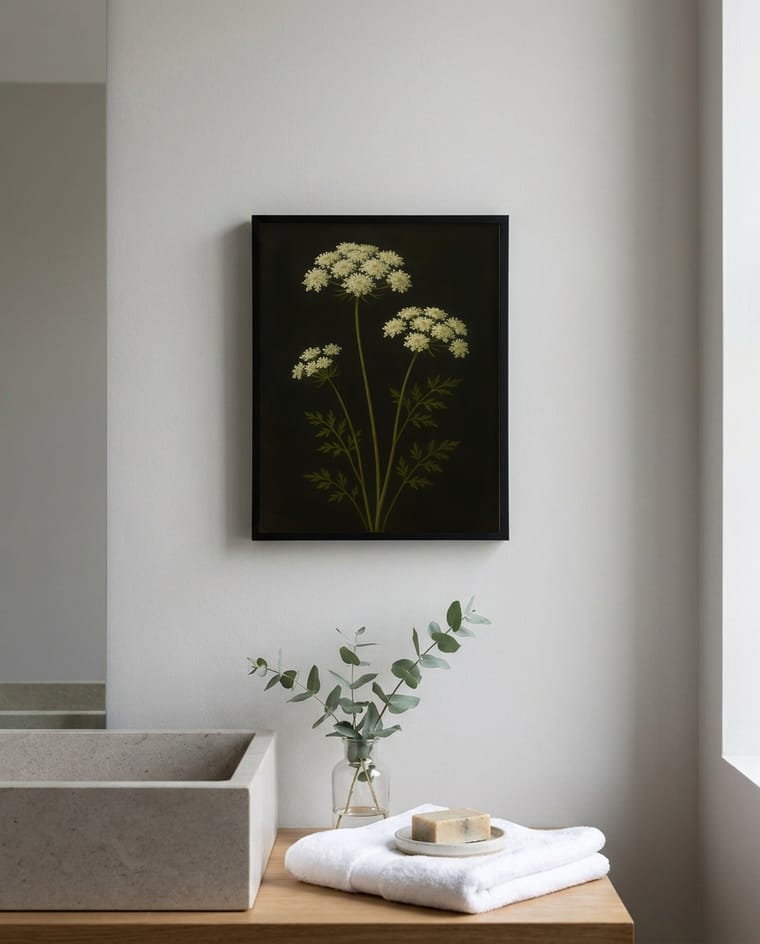
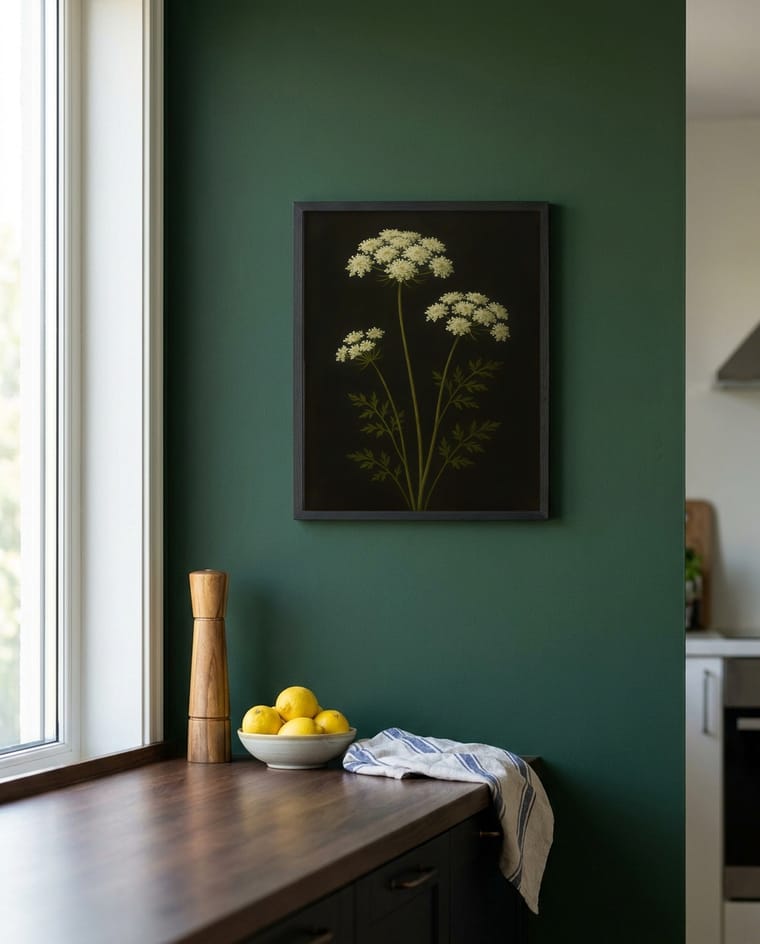
One upload, ten real Mockup Packs room scenes — not a mockup of the feature.
How This Compares to a Template Generator
Template tools like Canva, Placeit, and Mockey are real, useful options with far bigger scene catalogues. This is what's different about SnapToSize, not a claim that the others are bad — see the sizes most Etsy buyers actually frame for what the print side of the same upload covers:
| Template generators | SnapToSize | |
|---|---|---|
| Frame ratio | Fixed per scene — match it by hand | Matched to your artwork automatically |
| Manual steps | Smart object placement, per scene | None — one upload |
| Print size files | Separate step, separate tool | Same upload, same job |
| File ownership | Varies by catalogue/site | You own every file, every plan |
| Scene catalogue size | Larger (hundreds–thousands) | Ten scenes per upload |
On honesty in mockups
Etsy sellers debate this openly: a mockup is fine as long as it stays honest — the art is real, and scale isn't exaggerated to make a small print look oversized. SnapToSize renders every mockup from your actual print export, not a stock photo standing in for it.
The same upload also makes every print size
Drop in your art once. Get it back at every ratio, your whole image kept, each file named and 300 DPI, ready to list in 45 seconds.
Every standard Etsy ratio — 2:3, 3:4, 4:5, ISO A, plus extras — up to 70 print-ready files from one upload, each ZIP under Etsy's 20 MB limit.
Want one exact ratio instead? Perfect Fit reframes with a focal crop you control — your proportions stay exact, and you decide what stays in frame. See how it works →
Starting from an AI-generated image that's too low-resolution to print? Upscale it first — same account, same workflow, before the sizes and mockups.
One upload. Mockups and sizes done.
No smart objects, no separate resize tool, no catalogue to search — the sizes shown above come from the same upload as the mockups.
Generate My Mockups FreeMockup Generator FAQ
Canva, Placeit, Mockey, and similar template tools all work — they give you a large catalogue of room-scene frames to drop your art into. SnapToSize takes a different approach: instead of picking from a catalogue of fixed-ratio frames, it generates the room scenes from your upload matched to your artwork's own ratio, plus the print-size files for the same listing, in one step.
Yes. Free's very first pack generates the full 10 rooms with 20 swaps, so you see the whole thing before deciding. After that, Free packs are 3 rooms with 1 swap. Pro gets 5 full 10-room packs a month, 20 swaps each. Max is unlimited full packs. You own every file you export, on every plan.
No. There's no smart object, no manual placement, and no ratio math to check by hand — that manual process is covered step by step in the how-to guide below if you want to understand it, but the generator skips it entirely.
Template generators build around one frame ratio per scene. If your art doesn't match, the smart object either stretches it or crops the edges. SnapToSize renders the room scene at your artwork's real ratio, so the whole piece is kept, not cropped or distorted to fit a frame that wasn't built for it.
You own every mockup you export, and since a fresh set generates from any upload, there's no per-listing catalogue fee the way some mockup marketplaces charge. Check the terms for what commercial use looks like on your specific plan.
Both come from the same upload. The mockups are your listing photos; the same job also exports the actual print-ready files at every standard size your buyers need — see how that works below. If the source art itself is low-resolution (a common issue with AI-generated art), upscale it first, in the same workflow — see below.
Use “Not this room?” on the card to swap it for a different one — it's not a reroll of a random draw, it replaces that specific room with another that fits the same role. Free gets 1 swap per pack (20 on your first full pack); Pro and Max get 20 swaps per pack.
Related: How to Make Etsy Listing Mockups (Free, No Design Skills) · Etsy Listing Photo Size Guide · Distortion-Free Crop · Print-to-Frame Size Guide · Etsy Print Ratios Explained · Most Popular Etsy Print Sizes to Sell (2026 Seller Guide)
Free tool: Print Size Calculator — check any image against 30 sizes instantly